Support
Where can I check the import status?
- 1) Log in to your account.
- 2) Click the Import menu.
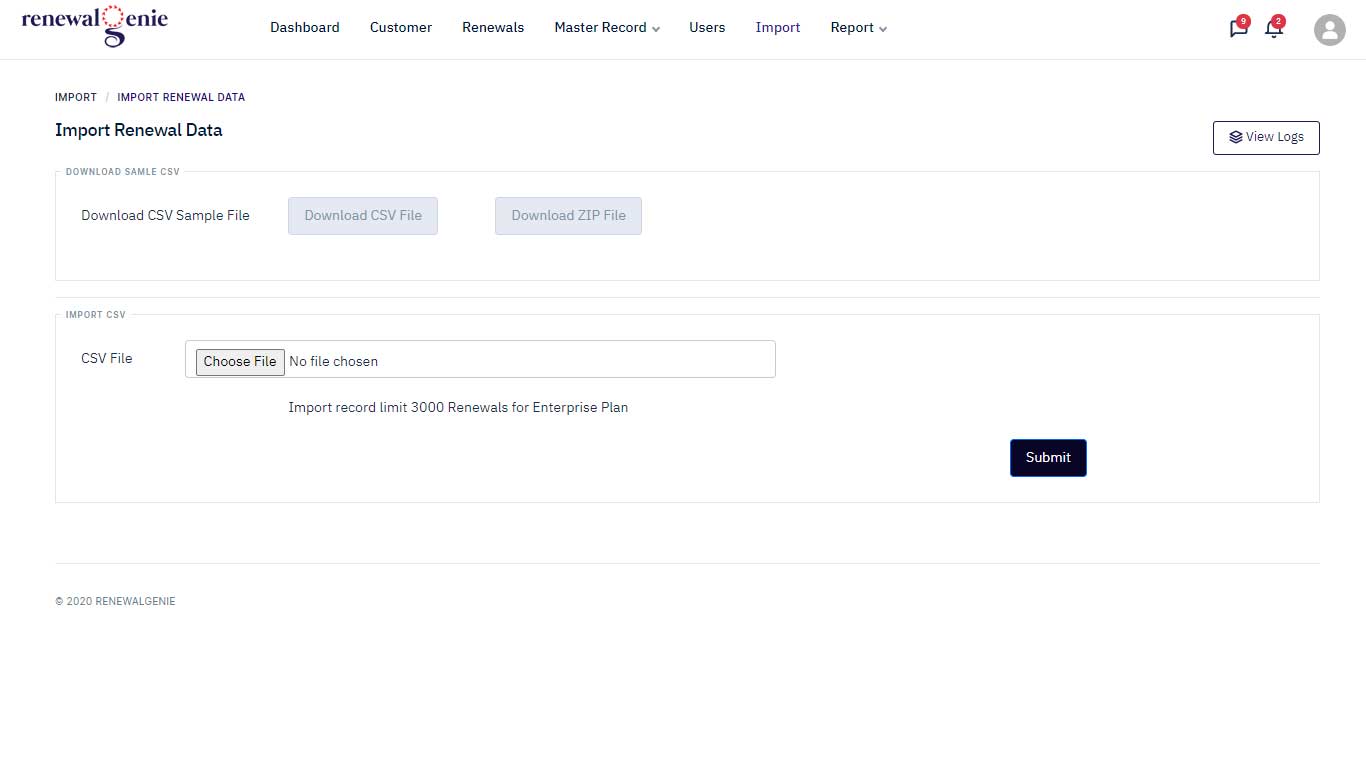
- 3) Click the Choose File button and select your CSV file.
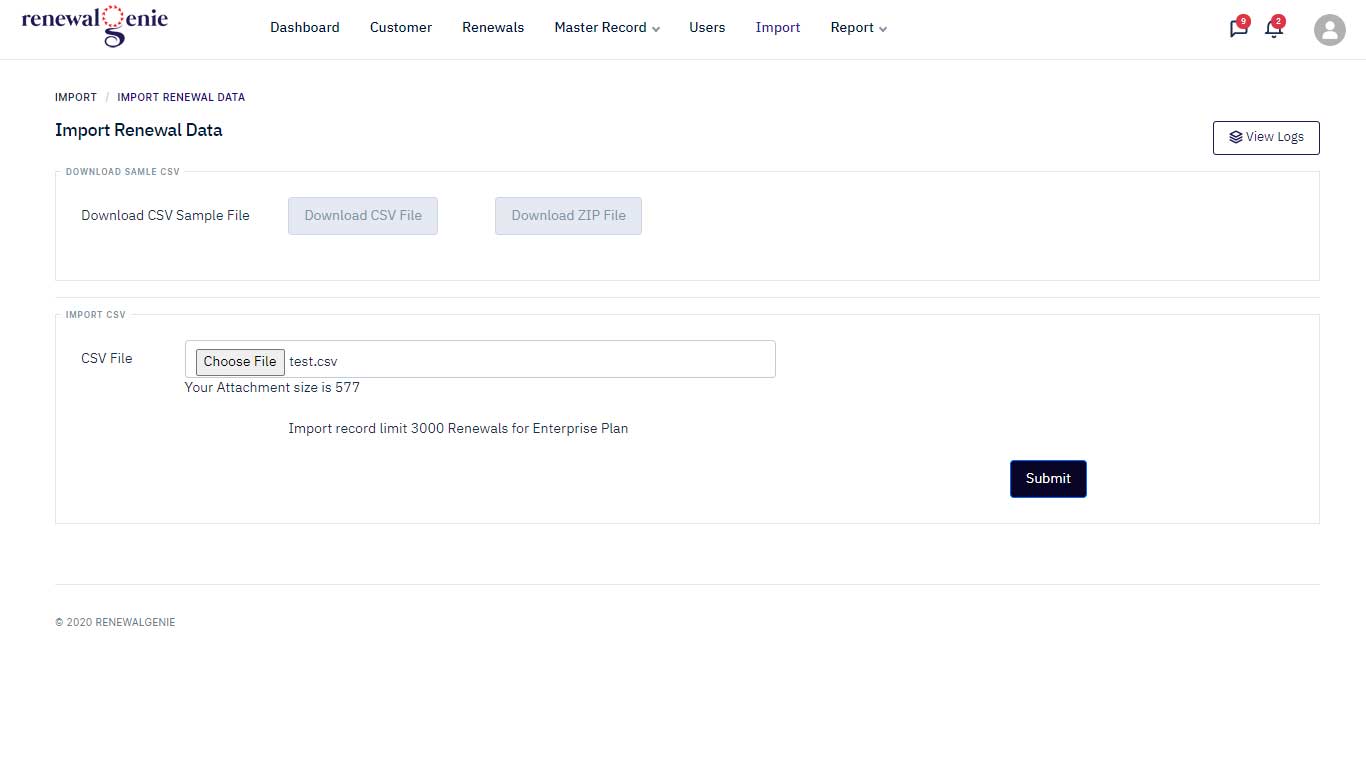
- 4) Click the Submit button.
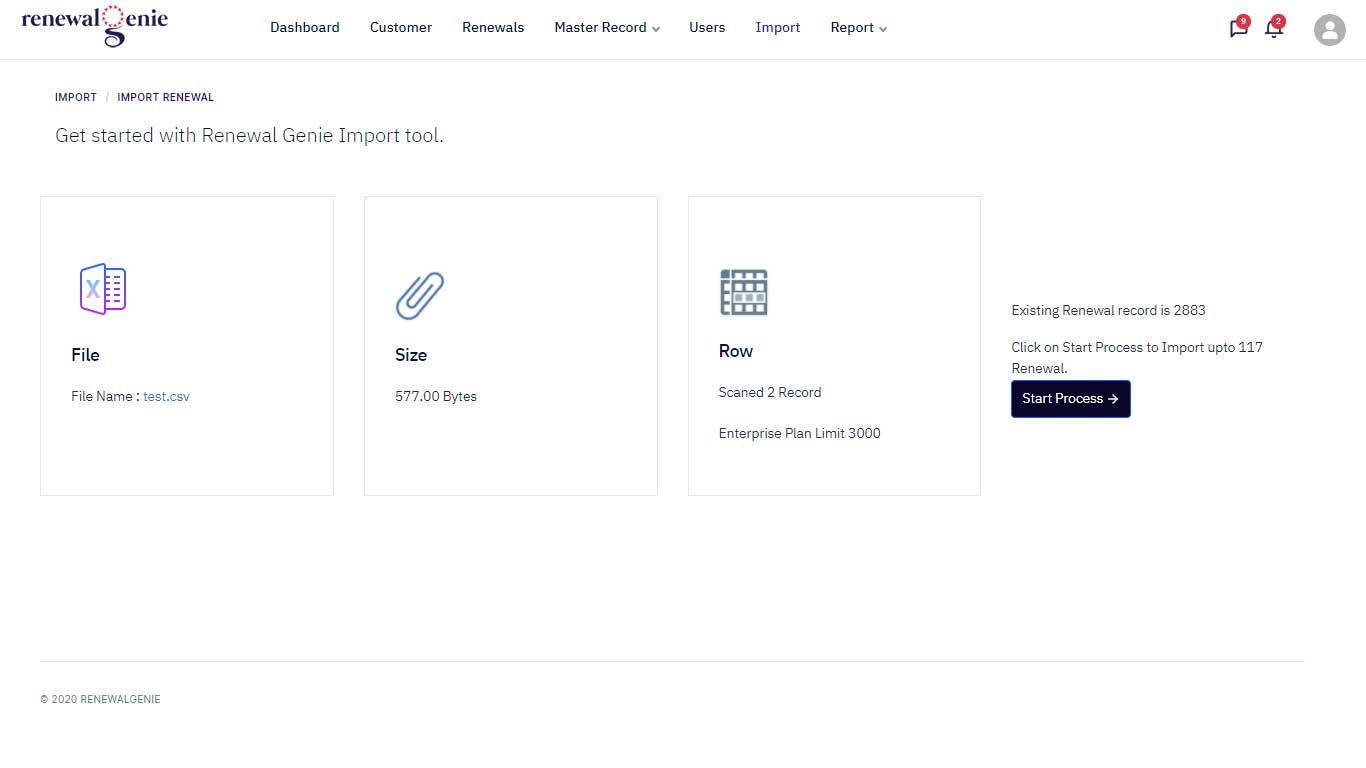
- 5) To import the CSV data, click the Start Process button.
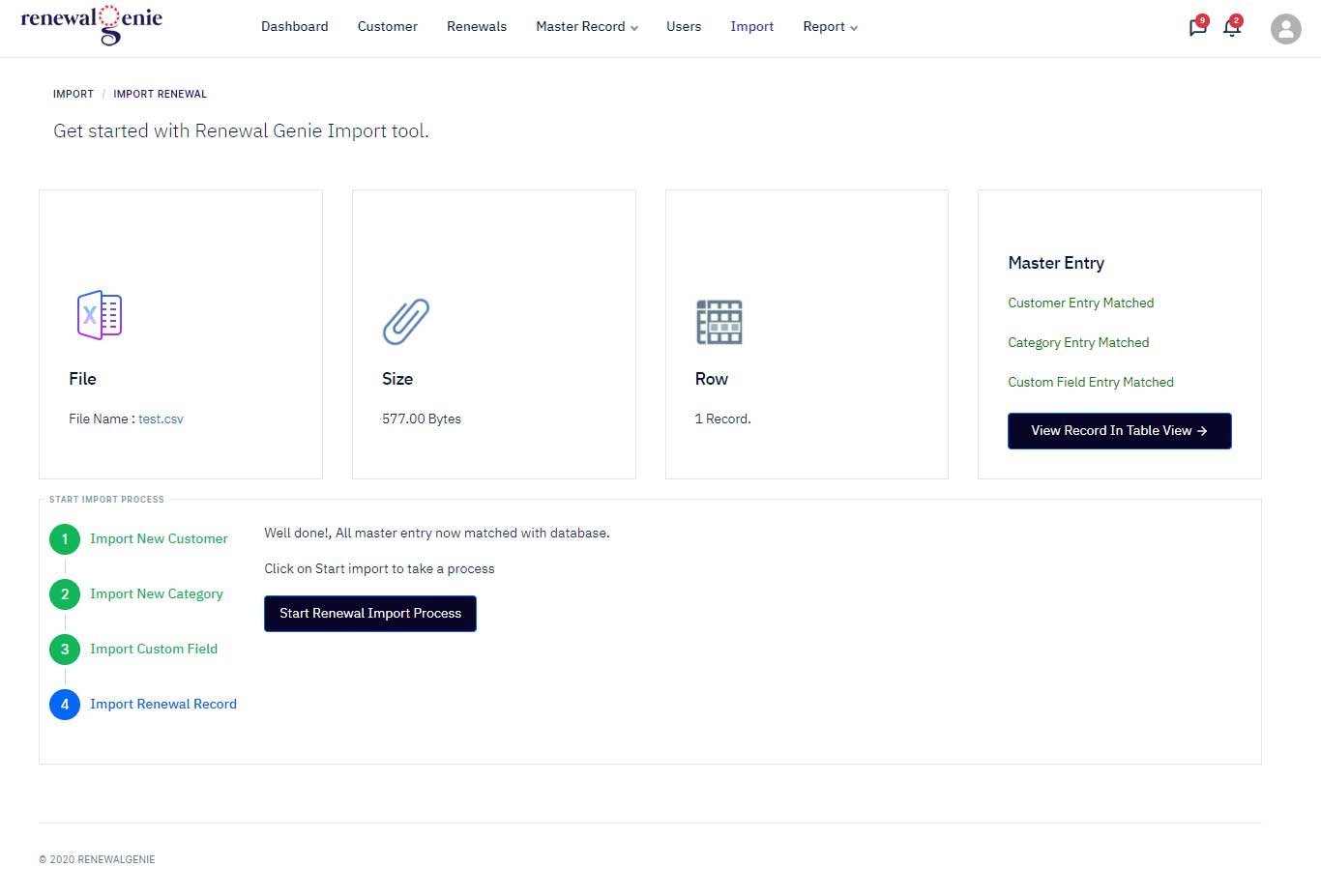
- 6) Check the import status, then click the View Record button to see the imported rows.