Support
How do I manage custom fields?
- 1) Log in to your account.
- 2) Click the Renewal menu.
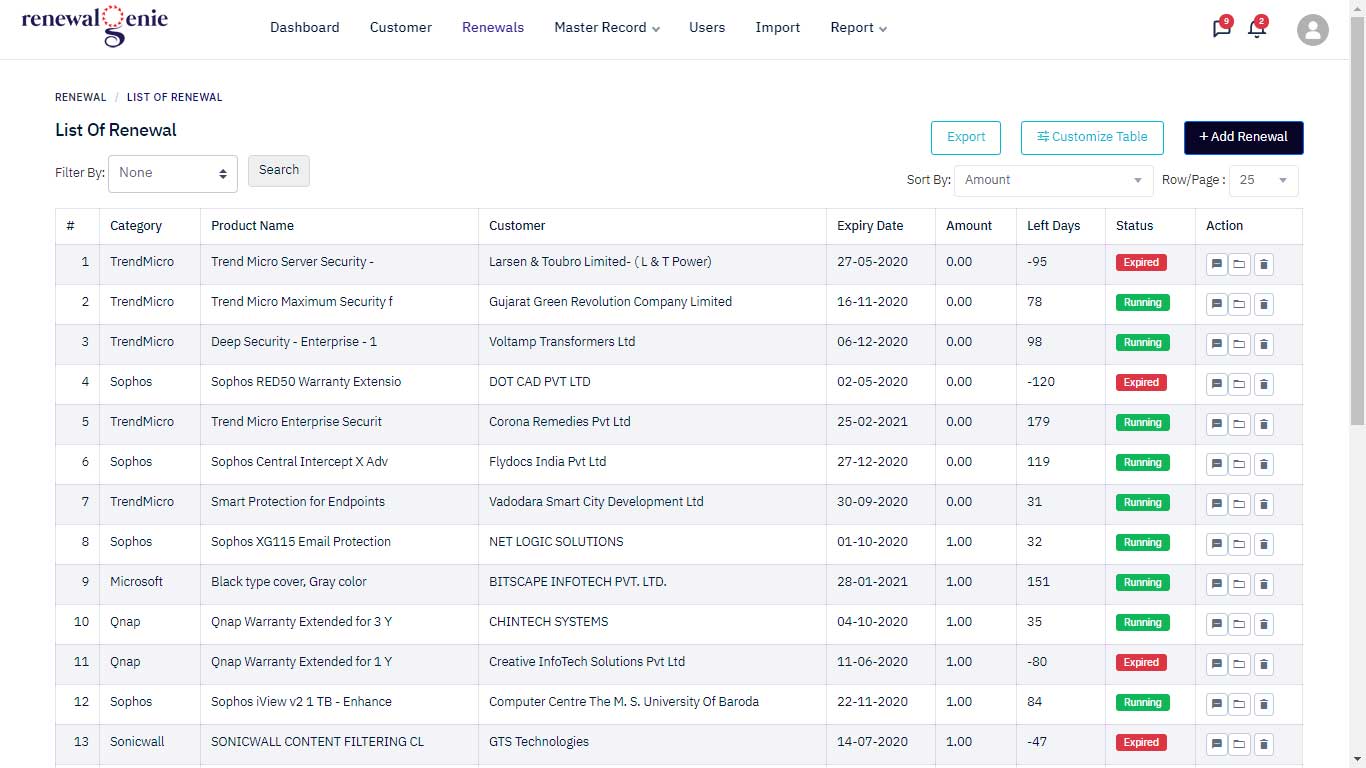
- 3) Click the Add Renewal button.
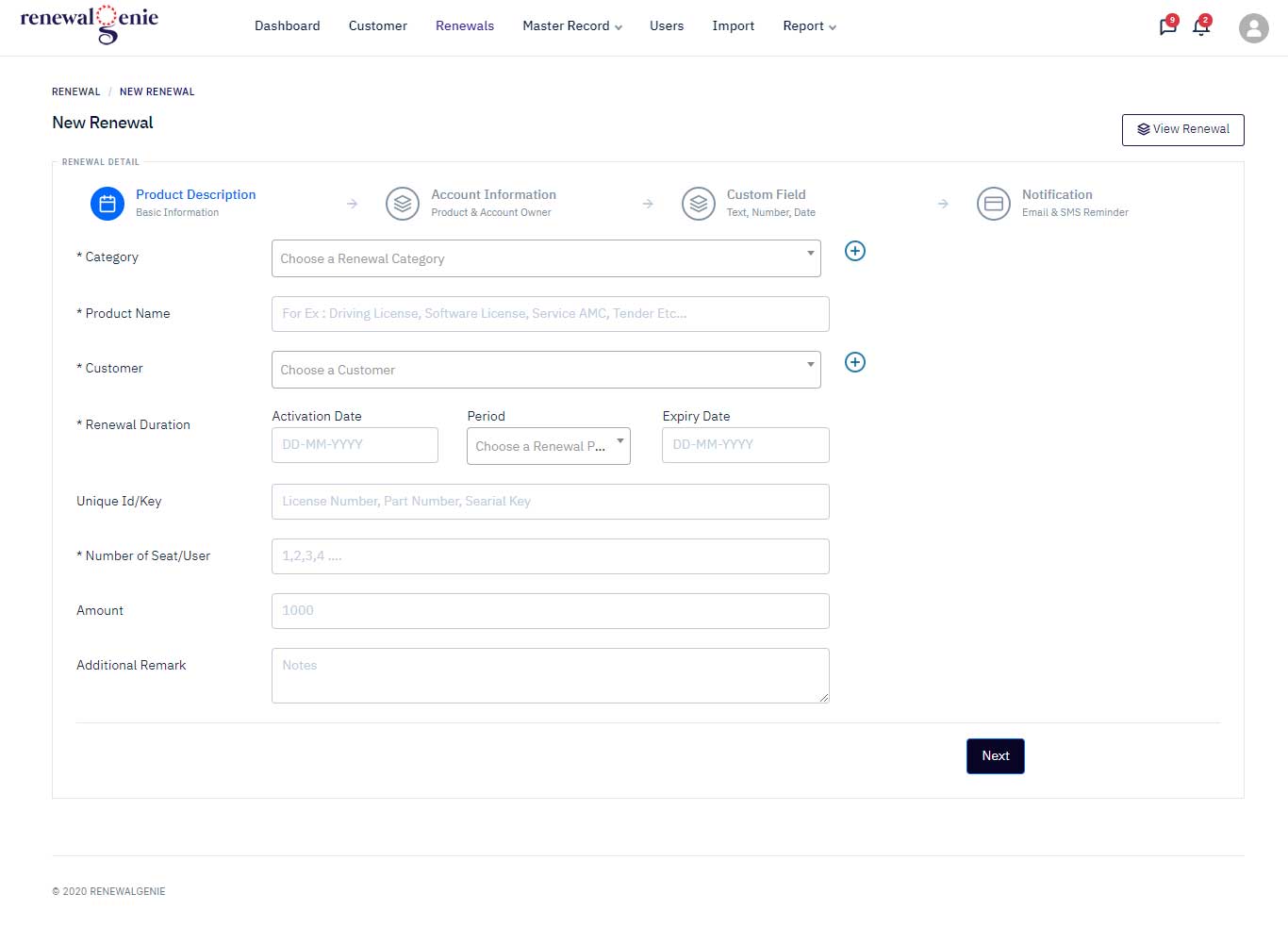
- 4) Enter the product description and click Next.
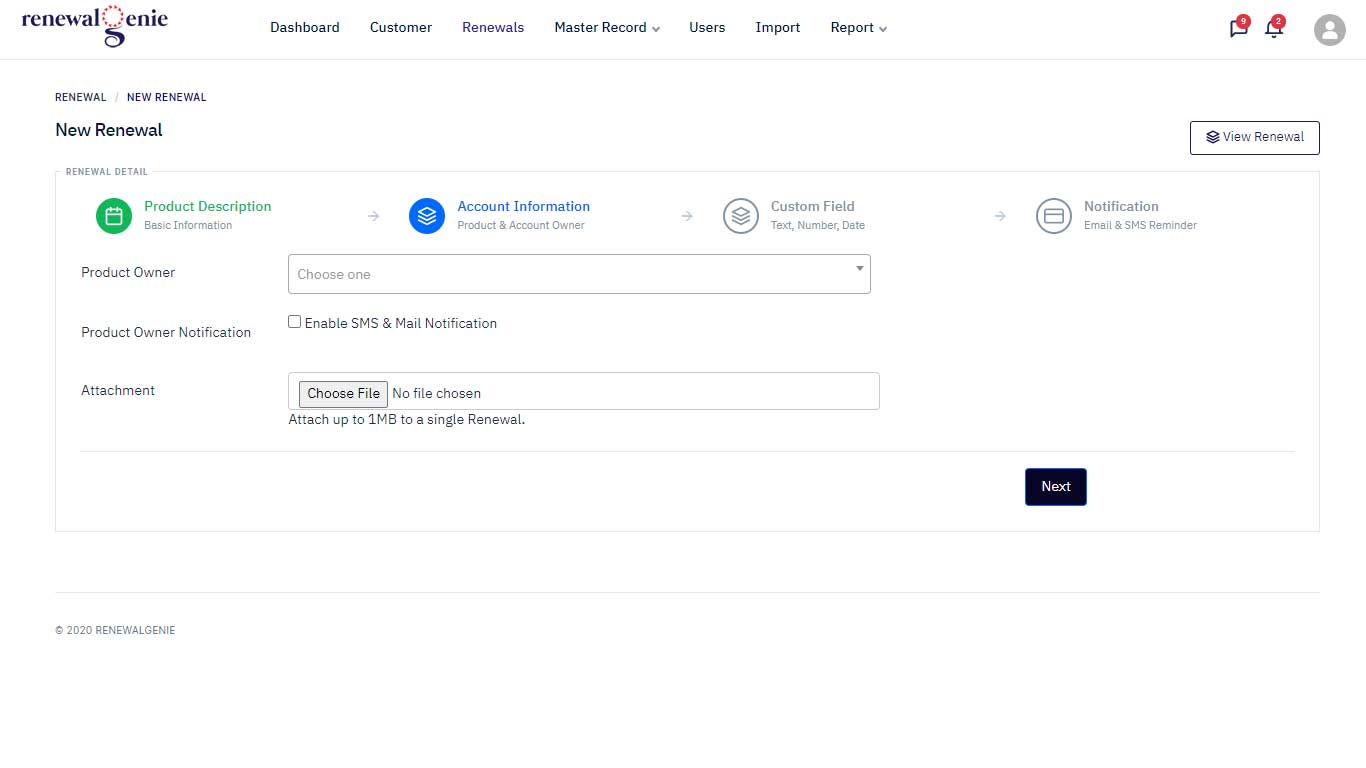
- 5) Enter the account information (product owner) and click Next.
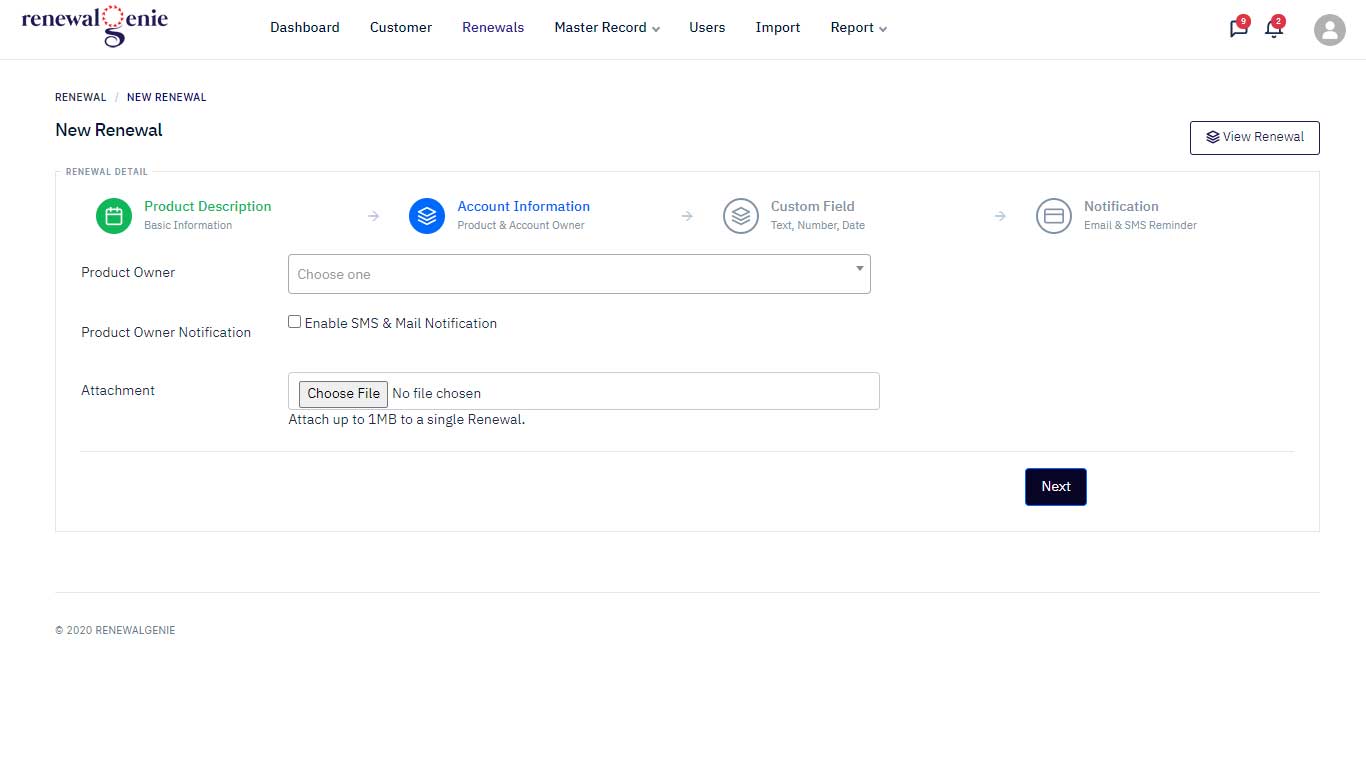
- 6) First add a new custom field, then click the Add Field button.
- 7) Enter the custom field and click Next.