HOME
FEATURES
PRICING
SIGN UP
SIGN IN
FAQ
SUPPORT
Support
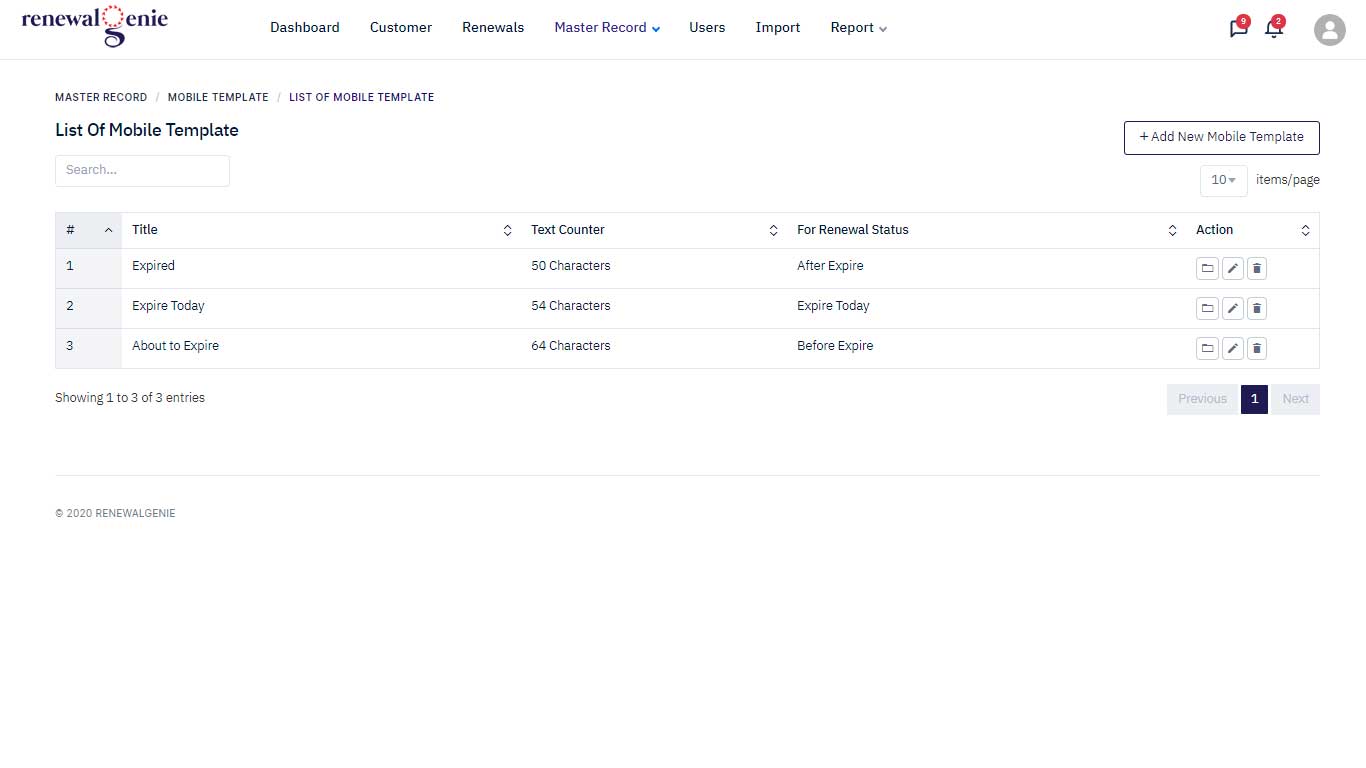
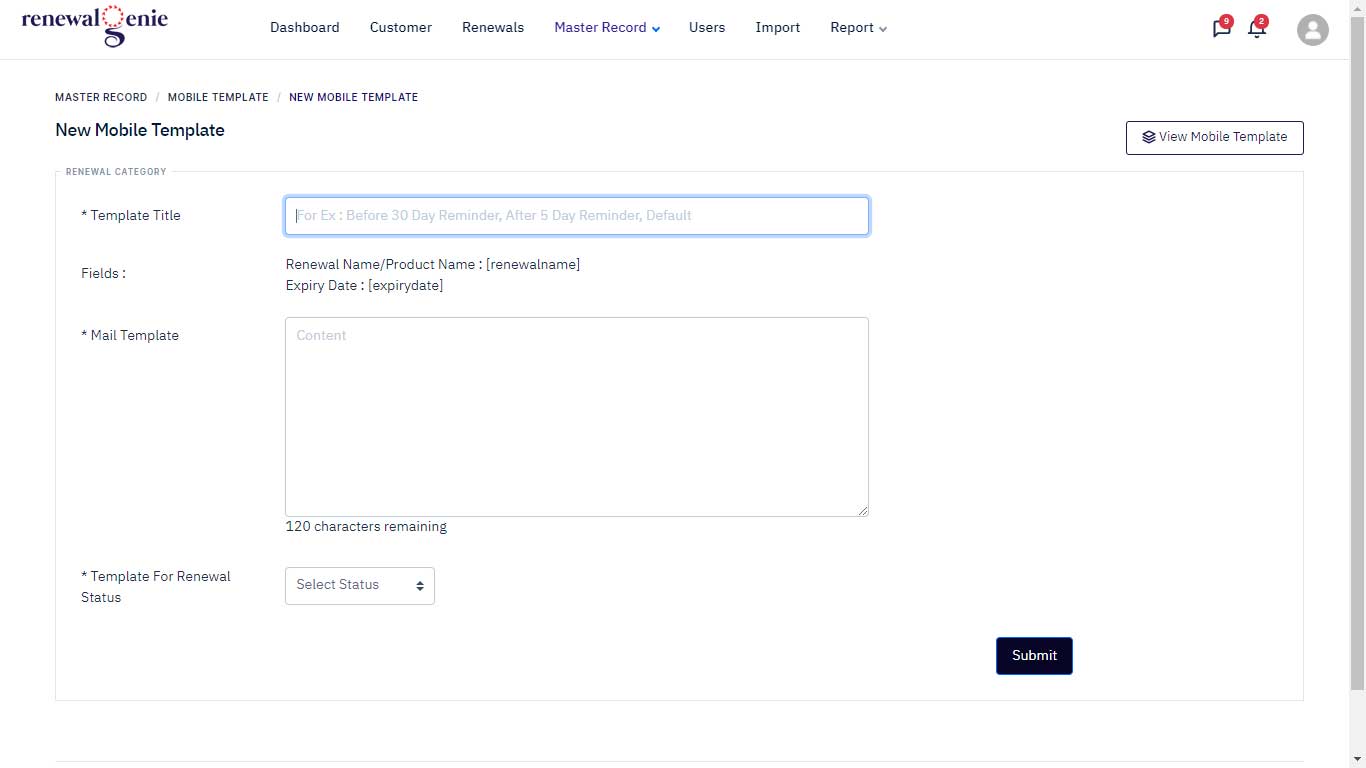
How do I create an SMS template?
1) Log in to your account.
2) Click the Master Record menu.
3) Open the submenu and select SMS Template
4) Click the Add New SMS Template button.
5) Enter the SMS template details and click Submit.