HOME
FEATURES
PRICING
SIGN UP
SIGN IN
FAQ
SUPPORT
Support
Change your password
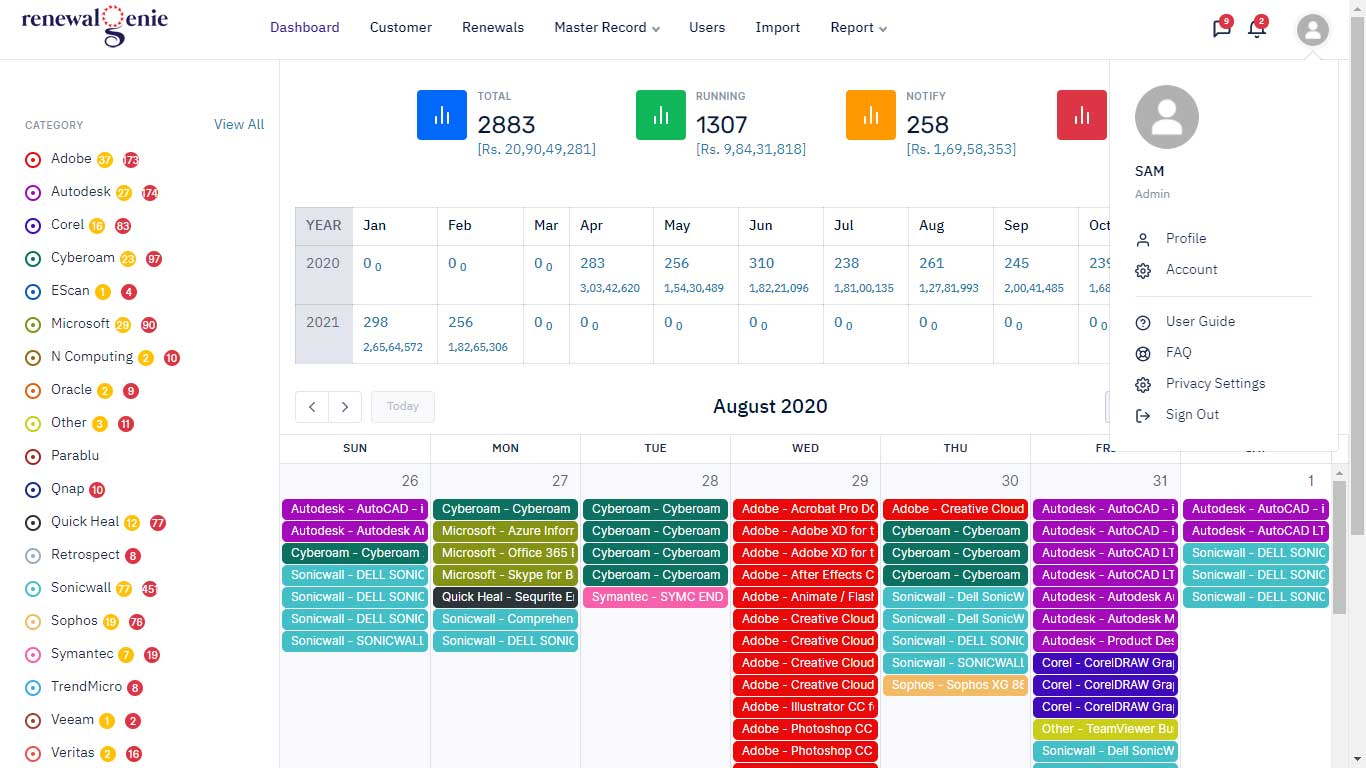
1) Log in to your account.
2) Click the Profile link.
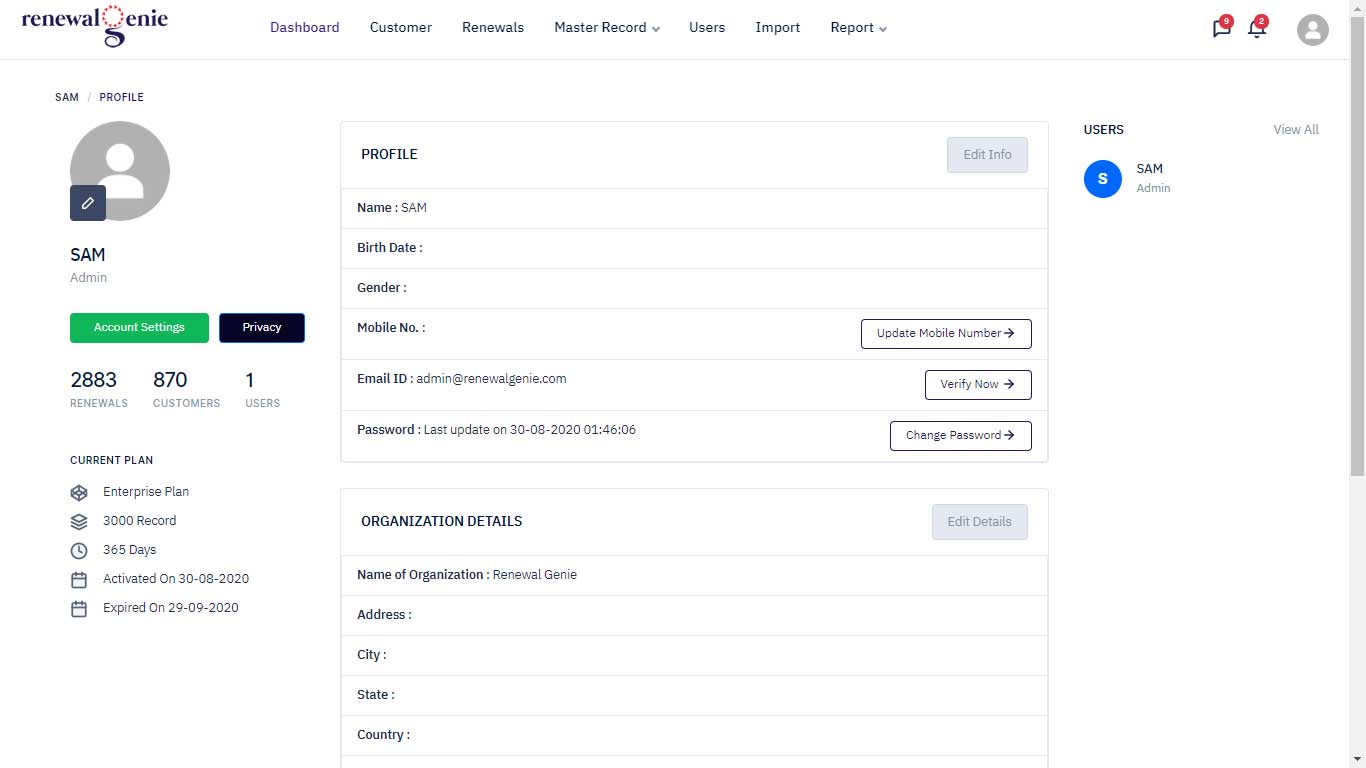
3) Click Change Password.
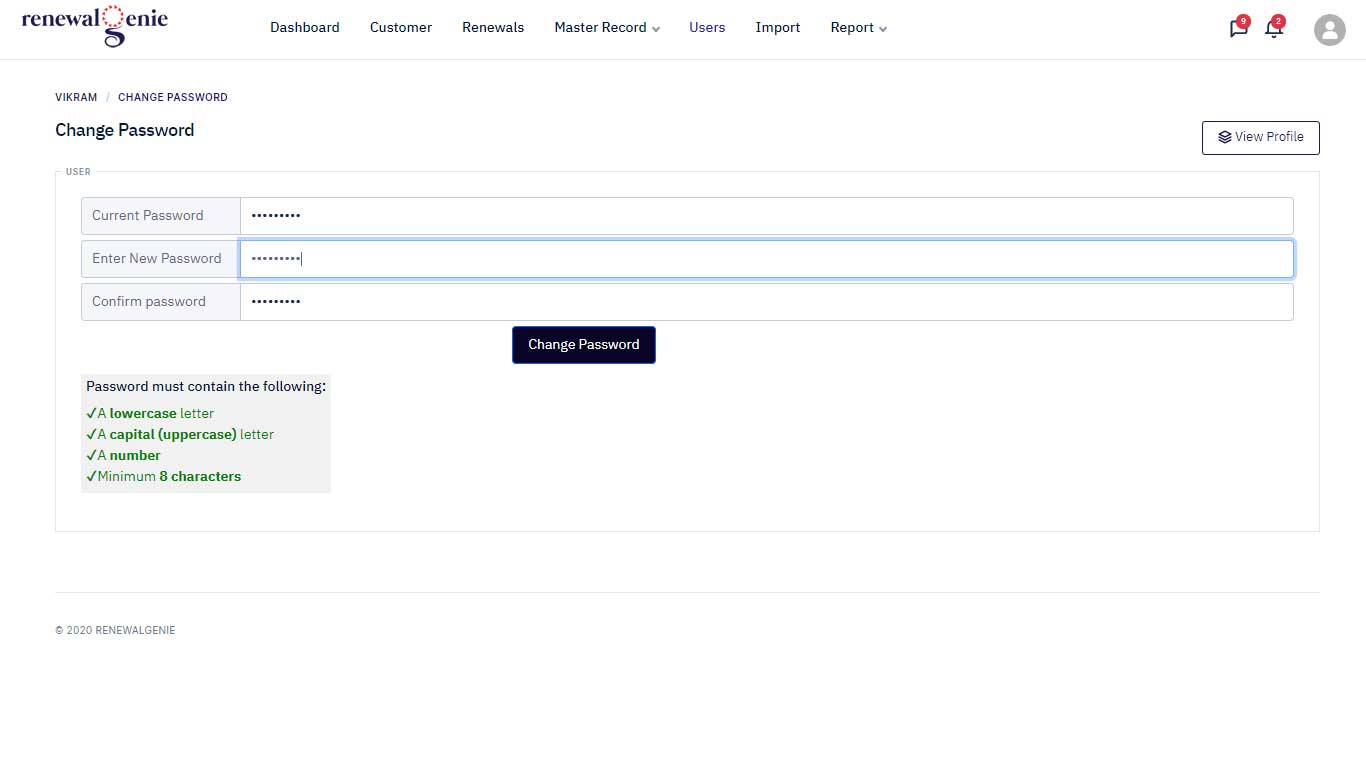
4) Enter your current password, your new password and the new password again, then click the Change Password button.