Support
Reset your password
- 1) Visit https://renewalgenie.in
- 2) Click Forgot password?
- 3) Enter the email address registered to your account to receive a reset link.
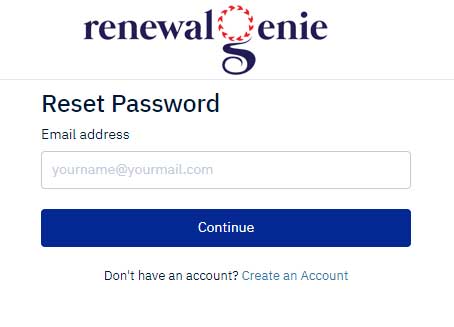
- 4) Click Continue to receive the password reset email.
- 5) Check your email and click the password reset link.
- 6) Set up your new password.
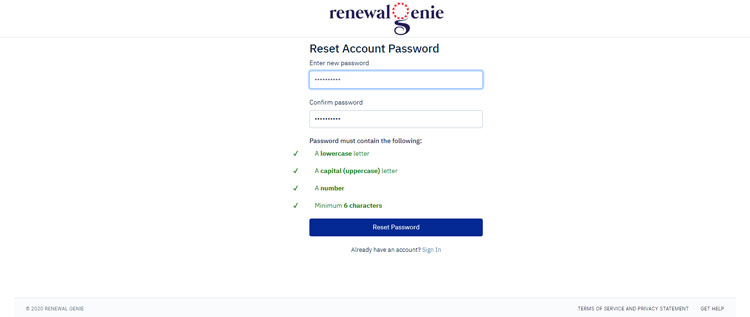
- 7) Click Reset Password to save the change.
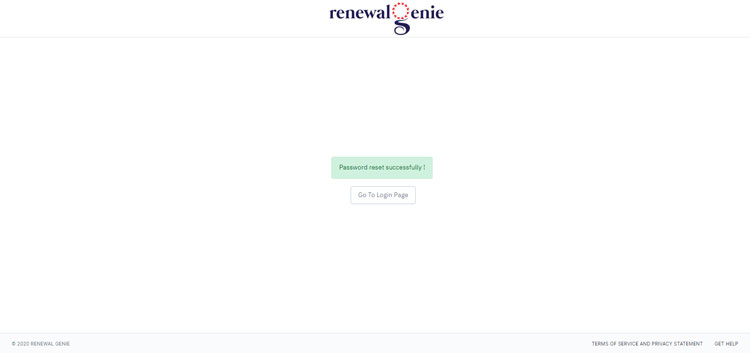
- 8) Click Go To Login Page to log in with your new password.